


- Parental control software provides stronger protection for children than the parental controls built into devices.
- Content monitoring, screen time schedules and activity logs are top features to look for in parental control software.
- Open communication about digital safety among the family goes a long way in keeping kids educated.
The internet is a big, exciting place — but it’s not without its risks (especially for kids). Parental control software can help you create a safer digital environment, giving you peace of mind while your children explore, learn and play online. We've created this guide to help you choose the best tools to protect your little ones.
Table of Contents
- What Are Parental Controls?
- Why Use Parental Controls?
- Must-Have Features In Parental Control Software
- Popular Parental Control Software Products
- Leverage Parental Controls on Devices
- Extra Steps to Enhance Kids' Safety Online
What Are Parental Controls?
Parental controls are settings or tools that help you manage what your kids can see and do online. They can block inappropriate websites, limit screen time and track online activity. Devices like smartphones and gaming consoles come with built-in parental controls, but software designed specifically for this purpose offers more robust features.
Using dedicated parental control software can give you a more detailed view of your child’s online habits and offer features such as content filtering across multiple devices, real-time location tracking and alerts for concerning activities. It’s a step up from basic device settings and can be a game-changer for busy parents who want to keep a closer eye on things.
Why Use Parental Controls?
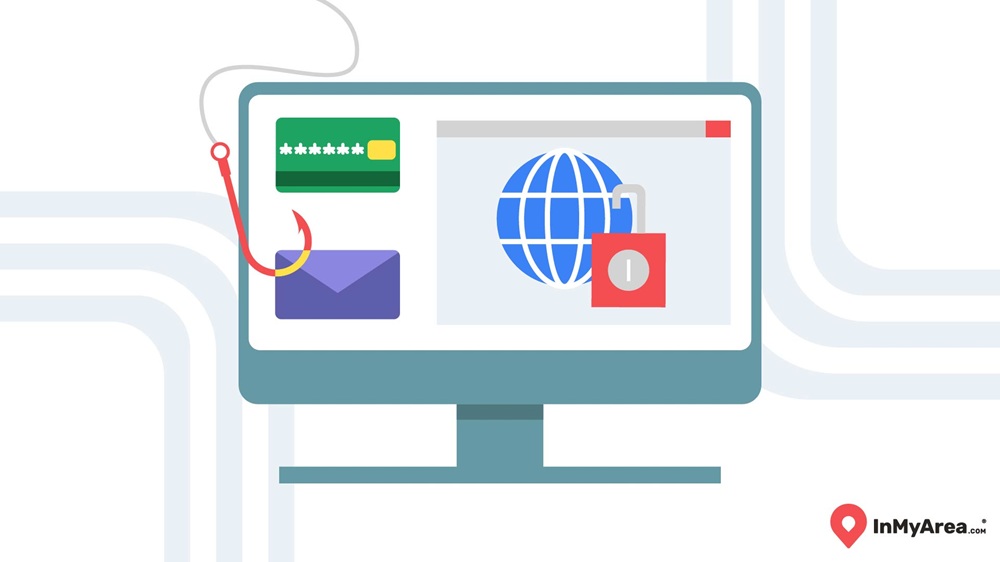
The internet can be a wild place, filled with content that isn’t always kid-friendly. Parental controls help shield your child from explicit material, cyberbullying, online game toxicity and potential online predators. They let you set digital boundaries so your kids can explore safely without stumbling into harmful corners of the web.
Software-based parental controls take safety a step further by offering comprehensive protection. For example, they can send you alerts if your child searches for risky topics or tries to access restricted content. These tools empower you to step in when necessary while still giving your child some independence and room to grow and learn on their own.
Must-Have Features In Parental Control Software
Not all parental control software is created equal, so you'll want to know what features matter most. Look for content filtering to block inappropriate websites and apps, screen time management to help balance online and offline life and location tracking for peace of mind when your kids are out and about.
Another key feature is activity monitoring, which lets you see what your child is doing online. Some software even uses AI to detect concerning behavior, like interactions with strangers or signs of cyberbullying. The goal is to give you useful insights without making you feel like you’re constantly spying.
Popular Parental Control Software Products
You have a great selection of software, but what you ultimately choose will depend on your budget and the features you're looking for.
Software | Key features | Pricing |
|---|---|---|
Bark | Content monitoring, screen time schedules, and use on multiple devices | Starts at $14.99 per month |
Norton Family | Content monitoring, screen time schedules, and unlimited device monitoring | $49.99 per year |
Family Time | Content monitoring, app and website blocking, and safe driving alerts | Starts at $29 per year |
Qustodio | Web filtering, app blocking, and screen time limits | Starts at $54.95 per year |
Net Nanny | Web filtering, social media monitoring, and app blocking | Starts at $49.99 per year |
Boomerang | Android devices and content monitoring | Starts at $19.99 per year |
Leverage Parental Controls on Devices
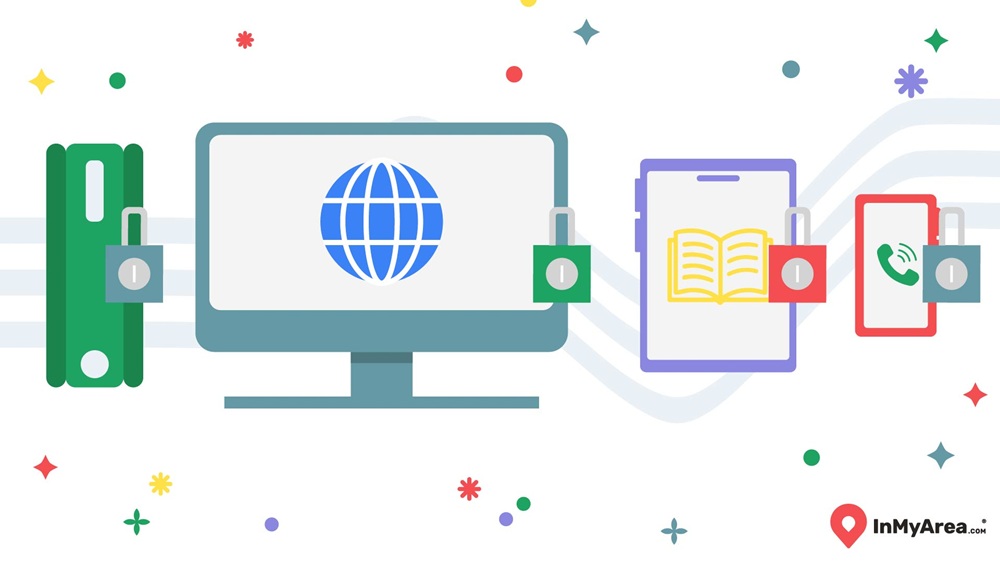
Whether you decide to go with a software or not, don't forget to activate parental controls on devices you already have in your home. The parental controls built into your devices are a good starting point and can help you understand what features you use and need most.
- Routers: Many routers come with parental controls that let you block websites, set schedules for internet access and monitor connected devices. It’s a great way to manage screen time across your entire home.
- Computers: Both Windows and Mac offer parental control settings that let you create child accounts with restricted access. You can filter websites, limit app usage and get activity reports.
- Smartphones and Tablets: iPhones and Android devices come with built-in parental controls. You can block explicit content, set app time limits and restrict in-app purchases.
Extra Steps to Enhance Kids' Safety Online
Parental controls are powerful, but they’re just one piece of the puzzle to keeping your family safe. Here are a few extra steps you can take:
- Set Strong Passwords: Use unique, hard-to-guess passwords for all devices and accounts.
- Blacklist Risky Websites: Manually block sites you know are unsafe or inappropriate.
- Talk About Online Safety: Have regular, open conversations with your kids about internet risks, responsible behavior and generally staying safe online.
- Encourage Safe Social Media Use: Teach kids to only connect with people they know and to keep personal information private.
Frequently Asked Questions About Parental Control Software
Can parental controls see everything?
Parental control software can track web browsing, app usage and online searches, but it won’t always capture everything, such as encrypted messages or activities on apps with end-to-end encryption. However, it still provides a solid overview of your child’s online world and flags potential risks so you can step in when needed.
At what age should parents stop using parental controls?
Many experts suggest gradually easing up as kids get older and demonstrate responsible online behavior, but there’s no one-size-fits-all answer. By the time they’re teenagers, it’s more about trust and open communication. Instead of strict controls, consider lighter monitoring and ongoing conversations about digital safety.
Can my child turn off parental controls?
Whether your kids can figure out how to turn off parental controls depends on the software and how tech-savvy your child is. Good parental control apps have tamper-proof settings that require a parent’s password to make changes. Older kids might try to find workarounds, which is why regular conversations about why these controls are in place are part of protection.
What is the most-banned website for kids?
YouTube tops many lists, not because it’s inherently bad, but because it’s easy for kids to stumble across inappropriate content. While YouTube Kids offers a safer alternative, many parents still choose to restrict access or closely monitor their children's usage to keep them safe.
Do parental controls have any drawbacks?
Yes, while parental controls help protect kids online, they can sometimes over-block useful content, invade a child's privacy, or create trust issues if used too strictly. Many experts suggest blending these tools with open communication, since overreliance can lead to workarounds, family conflict, or reduced digital literacy and independence for kids.